|
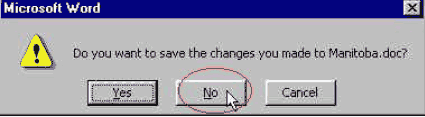
Exercise (Open, Close a File Without Saving Changes) 1). Open the file "Manitoba" from your disk. 2). At the end of the first paragraph enter the following text: Manitoba's nickname is the Keystone Province. It earned this nickname because it is located in the central, or keystone, position of the "arch" formed by the 10 Canadian provinces. 3). Click the Close button on the Title bar to close the file. 4). When the computer asks you Do you want to save the changes you made to Manitoba? Click No.
|
| Back | Index | Next |