-
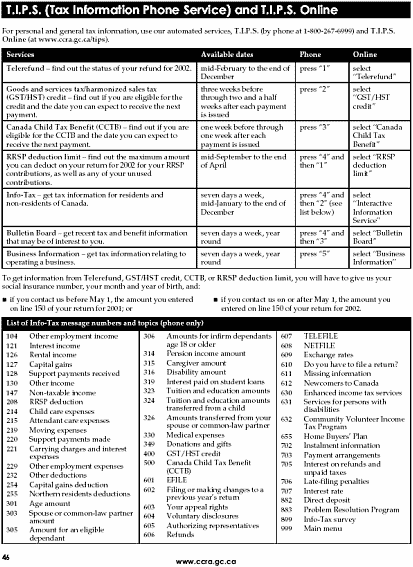
What web address
do you use to get T.I.P.S. Online?
-
Open your web
browser and type in the T.I.P.S. address. Remember to leave no spaces,
and do not use any capitals.
-
When you get to
the T.I.P.S. Online site, choose General Tax information.
-
Next choose Interactive
Information Service.
-
Go to Information
for Individuals.
-
Choose Topics
A-Z.
-
Go to G in the
alphabet list.
-
Choose Goods and
Services Tax/Harmonized Sales Tax.
-
Choose GST/HST.
-
Who qualifies
for the GST credit?
-
Go to the Frequently
Asked Questions (FAQs). When are the payments made?
-
How does CCRA
decide how much you will get as a GST credit
-
If you move, there are three ways you can tell CCRA your new address? Give details (addresses, phone numbers).
-
If you couldn't find the answers you needed, what can you do?