|
Exercise
(Footnote) Open your word processing
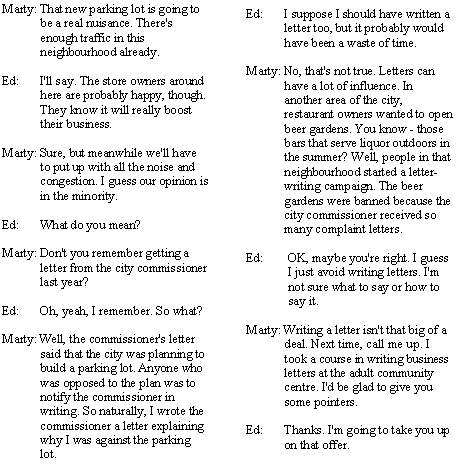
program (Microsoft Word), and type the following story into your
computer.
Organizing
Business Letters
|
Marty and Ed were
standing outside their apartment building. They were watching construction
workers laying the pavement for a city parking lot across the
street. |
- Click View on the Menu
bar. Choose Normal to display your document in Normal view.
- Click at the end of the first
paragraph. (The paragraph ending with …across the street.)

- Click Insert on the Menu
bar. Choose Footnote.
- Click OK.
- Type the following text for the
footnote:
E. Romanek, Contemporary's
Communication Skills That Work a Functional Approach For Life and Work
(Chicago: Contemporary Books Inc., 1991) 111.

- When you are finished, your
document should look something like this.
Organizing
Business Letters
|
Marty and Ed were
standing outside their apartment building. They were watching construction
workers laying the pavement for a city parking lot across the
street.1
1E. Romanek, Contemporary's
Communication Skills That Work a Functional Approach For Life and Work
(Chicago: Contemporary Books Inc., 1991) 111. |
|