|
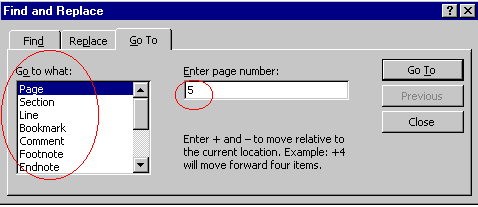
The "Go To" Command You can use the Go To command to place your inserting point quickly at the location you want. To Use the Go To Command: Click Edit on the Menu bar. Choose Go To. In the Find and Replace dialogue box, click the Go To tab. In the Go to what box, choose the option you want. Enter a number in the Enter [type] number box.
Click the Go To button. |
| Back | Index | Next |