Click to select the picture
which you want to format as watermark. If you do not have a picture and want to
insert one, click Insert on the Menu bar, choose Picture and then
ClipArt.
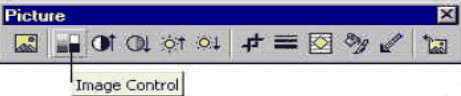
Your Picture toolbar
should appear automatically. If it does not appear click View on the
Menu bar. Choose Toolbars. Click to place a check mark beside
Picture.
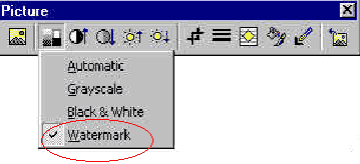
Click Image Control
button on your Picture toolbar.