Line or Paragraph Spacing
To Change the Line or Paragraph Spacing:
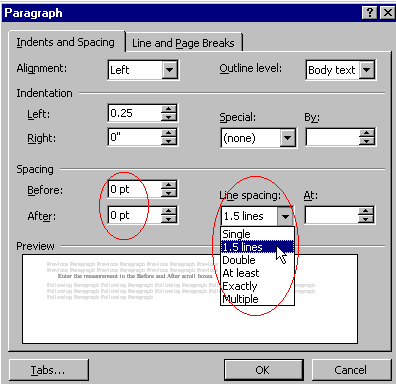
Select the paragraph(s) to which you want to apply the line or paragraph spacing.
Choose
Format
from the Menu bar.
Choose
Paragraph
.
Click the
Indents and Spacing
tab.
Enter the measurement in the
Before
and
After
scroll boxes.
In the
Line Spacing
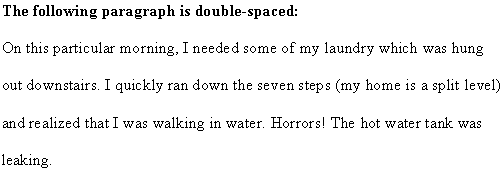
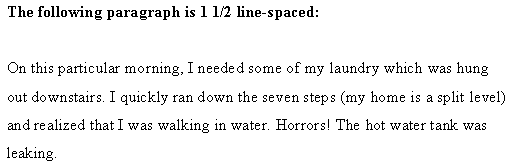
drop-down menu choose the option desired.
Click
OK
.
Back
Index
Next