|
Exercise (Create Paragraph
Border)
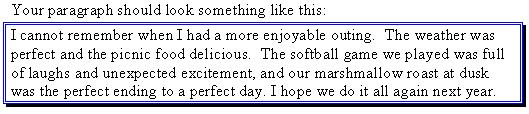
- Open a new document and enter
the following paragraph:
I cannot remember when I had a more
enjoyable outing. The weather was perfect and the picnic food delicious. The
softball game we played was full of laughs and unexpected excitement, and our
marshmallow roast at dusk was the perfect ending to a perfect day. I hope we do
it all again next year.
- Highlight the paragraph you
have just entered.
- Click Format on the Menu
bar. Choose Borders and Shading.
- Click the Borders
tab.
- Under Setting choose
Shadow.

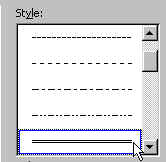
- In the Style box choose
the option as shown below:
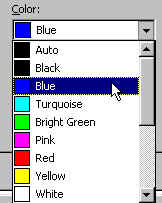
- Click the Color
drop-down menu. Choose Blue.
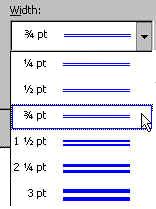
- Click the Width
drop-down arrow. Choose 3/4 pt.
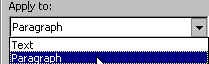
- Click the Apply To
drop-down arrow. Choose Paragraph.
 |