|
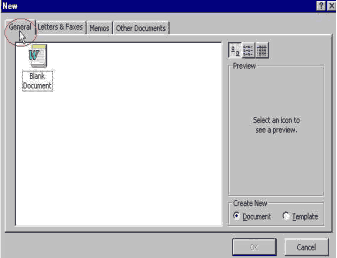
Section Nine: Templates Templates Word templates are well-designed and easy to use. Templates show you exactly what type of text to enter where. When you use templates, Word will handle the formatting for you. To Use a Template: Click File on the Menu bar. Choose New. The Normal (Blank Document) template is stored in the General tab.
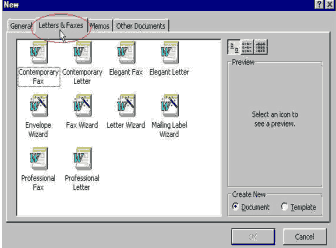
Letter and Fax templates are stored in the Letters and Faxes tab.
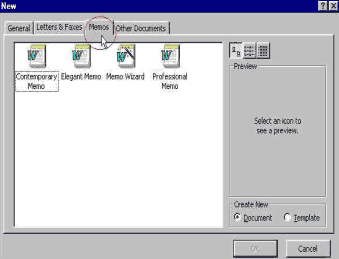
Memo templates are stored in the Memos tab.
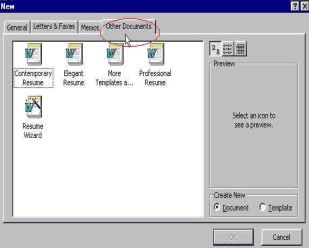
Resume templates are stored in Other Documents tab.
When you find the template you want
to use, click to select it. |
| Back | Index | Next |