|
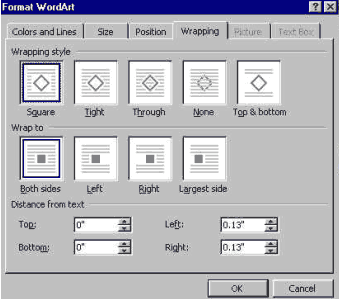
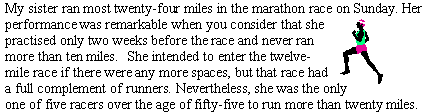
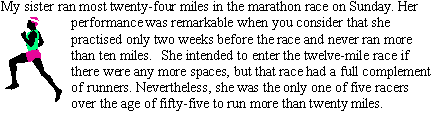
Wrap Text Around an Object Text wrapping is to control the way text wraps or flows around an object. Wrapping Text Around an Object
Wrapping style: Through. Wrap to: Both sides.
|

| Back | Index | Next |
|
Wrap Text Around an Object Text wrapping is to control the way text wraps or flows around an object. Wrapping Text Around an Object
Wrapping style: Through. Wrap to: Both sides.
|
| Back | Index | Next |